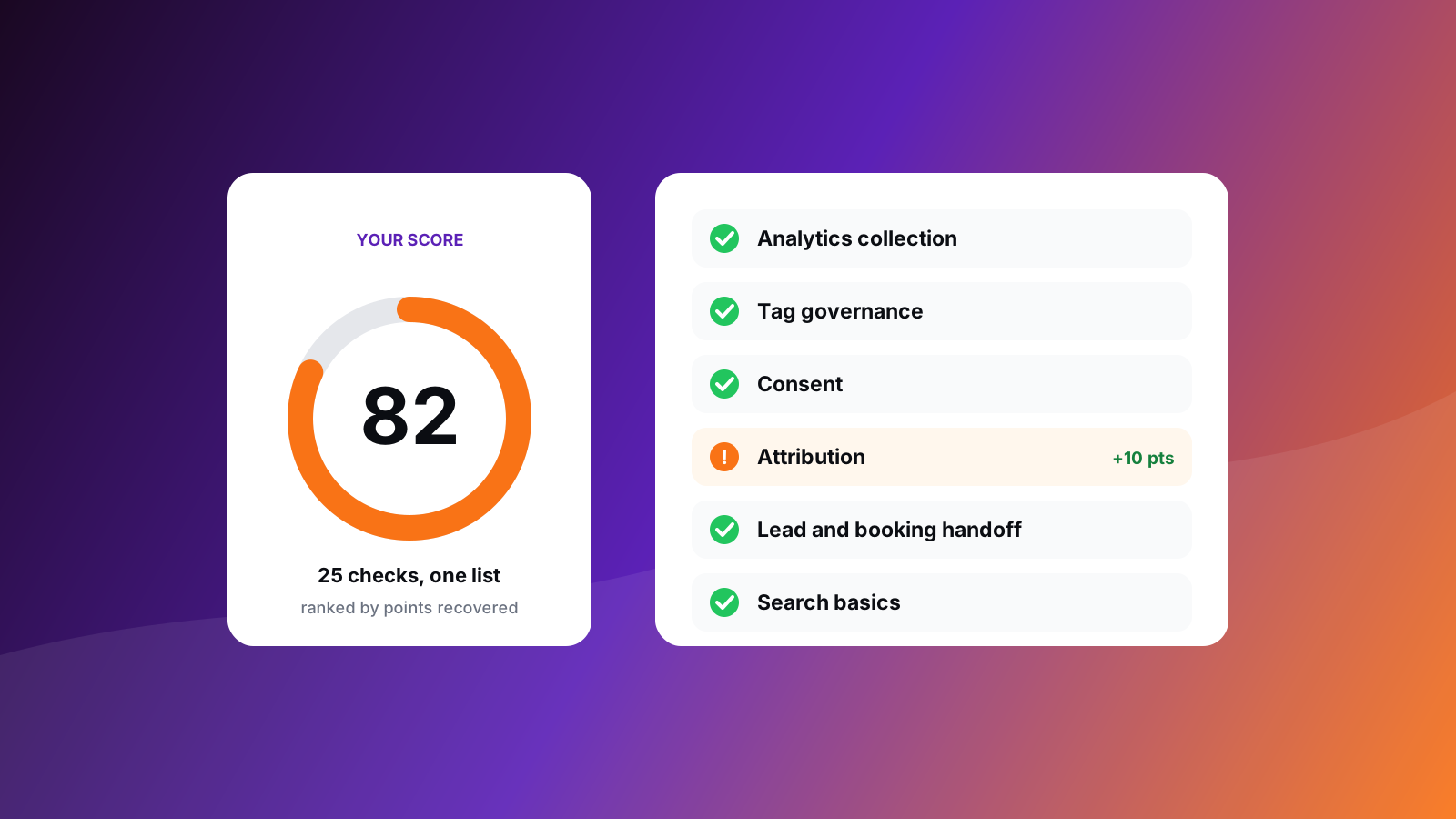
How to use this checklist
An audit is a set of yes-or-no questions with a place to look for each answer. This list has two halves. The first half is visible from outside your site, so the free analytics scan answers it for you in seconds. The second half lives inside your GA4 property and your Tag Manager container, so you open those yourself.
Give every item a result: pass, warn, fail, or not applicable. A site with no replay tool, for example, has nothing to check under replay consent, and that is not a failure.
Half one: what a public scan reads
1. Is analytics collecting your visits and events?
- A GA4 measurement ID loads on first page view.
- A data layer carries structured events.
- Named events exist for leads, bookings and revenue.
- No leftover Universal Analytics IDs remain.
- A behavior tool such as Clarity shows where people stall.
2. Is your tag setup under control?
- One Google Tag Manager container holds the tags.
- The container has no pile of paused tags or custom HTML.
- The page loads a manageable number of outside scripts, each with a purpose.
3. Do visitors' consent choices decide what fires?
- A consent platform or Consent Mode is in place.
- Defaults are set to denied before tags load.
- Reject is as easy to find as accept.
- Replay tools follow the consent choice.
4. Does the campaign source survive to the booking?
- Click IDs and UTMs are captured on landing.
- Lead forms carry hidden source fields.
- Booked outcomes return to the ad platforms.
- Any server-side tracking claim has a visible collection path.
5. Do leads reach booking and your CRM?
- A booking link, WhatsApp link or form is visible and trackable.
- The step after the lead (booking or first reply) is trackable.
- A CRM or lifecycle tool receives the lead, and keeps the campaign source.
6. Can search engines read the page?
- Title and meta description are set.
- The page can be indexed and declares a canonical address.
- Structured data describes the service, and link previews are set.
Half two: inside GA4
These settings are not on your public page, so open Admin in your property and confirm each one.
- Data retention. Under Data collection and modification, Data retention, event data retention is set to 14 months, the longest standard option. The default is shorter.
- Key events. The events that mean revenue (booking confirmed, enquiry submitted) are marked as key events. These were called conversions before 2024.
- Data streams. One web stream per site, with the right domain and no stale duplicates.
- Enhanced measurement. The interactions you want (scrolls, outbound clicks, form interactions) are switched on, and the ones that double-count your own events are off.
- Internal traffic. Your office addresses are defined and the filter is set to Active, after a period in Testing.
- Referral exclusions. Under the stream's tag settings, payment gateways and booking domains are listed so they stop appearing as referrers.
- Cross-domain measurement. Every domain in the booking journey is listed so one visit stays one session.
- Custom dimensions. Fields you report on, such as lead source or treatment, are registered.
- Google Ads link. Linked and importing the key events you optimise toward.
- Access. Only current team members and agencies hold roles, at the lowest level they need.
Half two: inside Tag Manager
- Names. Tags, triggers and variables follow one naming pattern a new colleague can read.
- Versions. Every publish has a note saying what changed and why.
- Clean-up. Paused tags are archived, and custom HTML is replaced with managed templates where one exists.
- Consent. Each tag has a consent setting, and the default consent state is set on the Consent Initialization trigger.
- Permissions. Publish rights are limited, and a named person owns the container.
- Preview. A real booking, run end to end in Preview mode, fires exactly one booking event.
Score it and schedule the next pass
Count passes against the checks that apply, and fix the open ones by size: the click-ID and consent items usually recover the most. The free scan shows the points each open check adds back, so you can start with the largest.
Repeat the checklist after every release, form change, booking-tool change and campaign launch. Measurement drifts quietly, and a monthly pass catches the break while the data gap is still small.